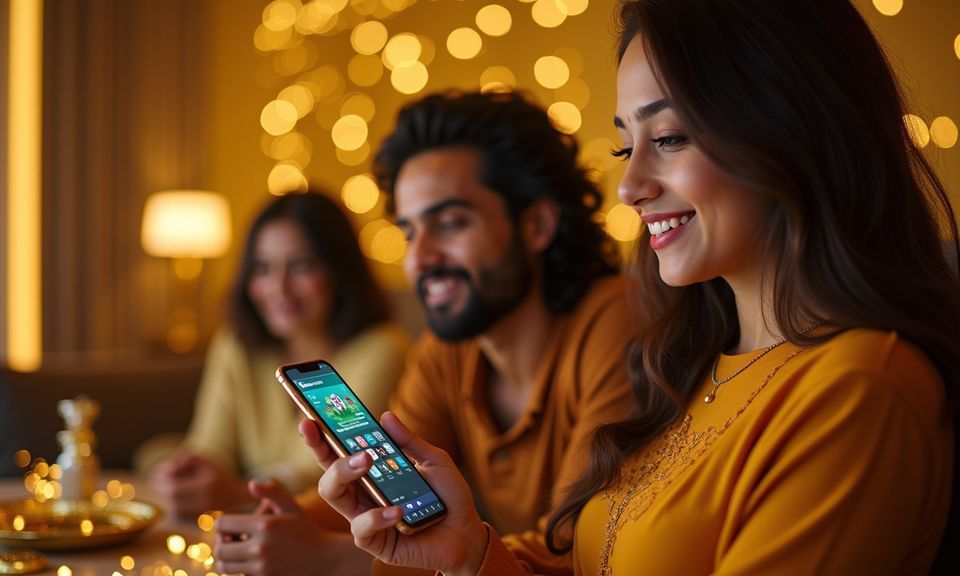

Mobile Access in 3 Simple Steps
Getting the bhb999 mobile lobby running does not require an app-store install. Open your phone browser — Chrome on Android and Safari on iOS both work — and navigate to bhb999. If the site is reachable in your region, the mobile layout loads automatically and adjusts to your screen size. From there, sign into your existing account or create a new one.
Once you are logged in, enable notifications when prompted so push alerts reach you. Bookmark the address to your home screen for one-tap access going forward — that shortcut behaves like a native app icon without any APK involved.
- Open the site — Type bhb999 into your mobile browser. The page detects your screen size and switches to the mobile layout on its own.
- Check browser compatibility — Chrome 90 and above on Android, and Safari on iOS 14 and above, are the browsers where the full lobby — including live tables and crash games — renders correctly.
- Sign in securely — Enter your account credentials or complete the OTP step if prompted. Enable biometric login from your account security settings after your first successful sign-in.
- Bookmark for home screen — Use your browser's 'Add to Home Screen' option. The shortcut icon sits on your home screen and opens the lobby directly, skipping the browser address bar.